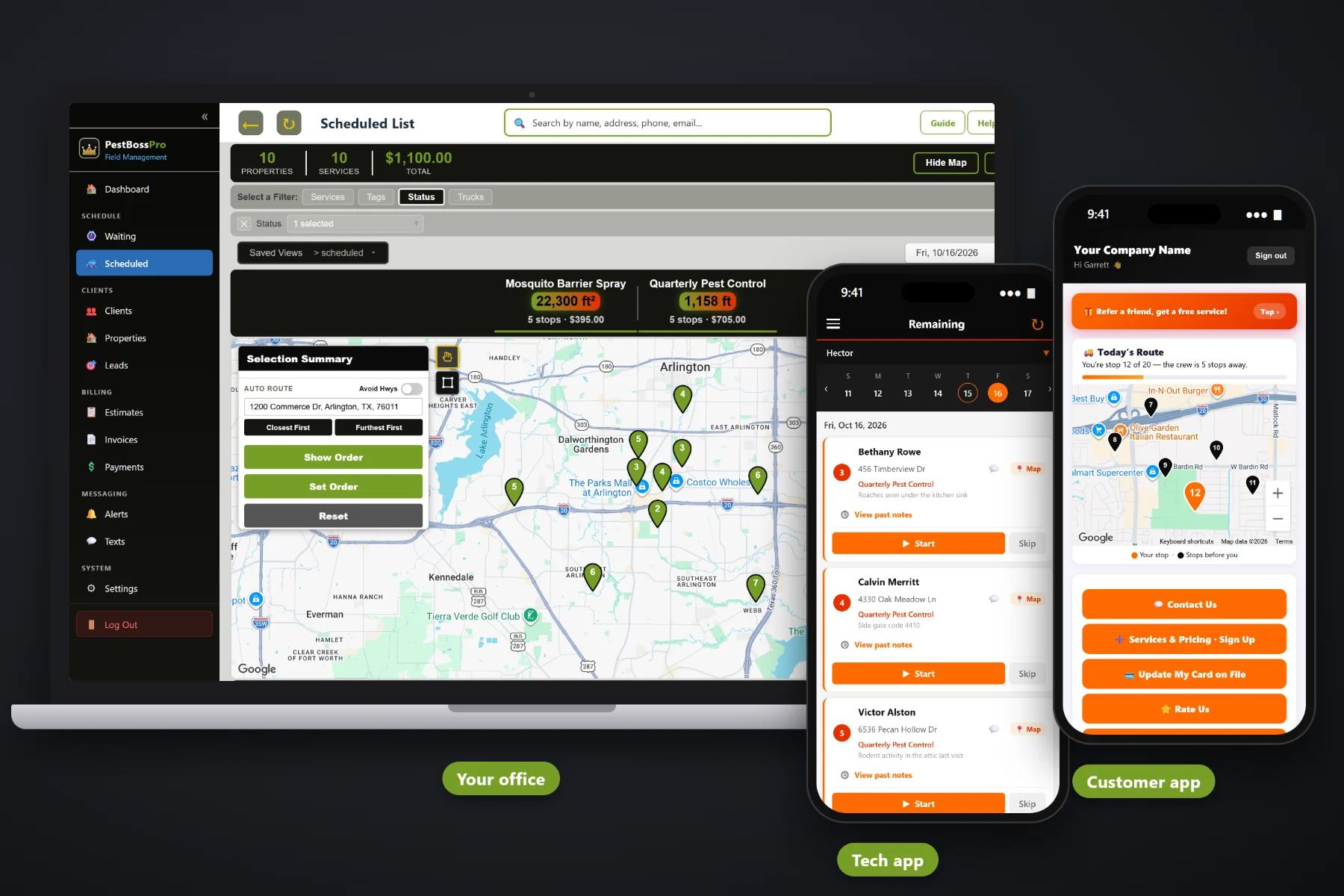
Every quarterly perimeter spray, mosquito barrier treatment and bait station refill puts product on someone's property, and many states expect you to write down exactly what, where, how much and by whom. PestBossPro keeps an application record for every completed treatment that used a tracked product: the mix, each product with its active ingredient and EPA reg. no., the rate, the amount used, the area treated, the target pest, the technician and license number, the weather and the re-entry interval. When a customer or an inspector asks, you pull it by date range instead of digging through a truck logbook.
Plans start at $59/month, and chemical tracking is part of the platform, not an add-on. Products, mixes, application records, the missing-record check and date-range chemical reports all come with it. To see how chemical records fit with recurring service, the Waiting List, routing and billing, start at PestBossPro and then dig into the record-keeping side here.
Each product carries its active ingredient, EPA reg. no., application method, rates and a Track Chemicals flag. Enter it once and every record pulls from it.
Build a perimeter mix or a mosquito barrier mix from your products with rates per gallon. The tech app uses it to work out what to load and what went out.
Date, start and end time, address, mix, products, amount used, area treated, target pest, site, equipment and the tech's license number on one record.
The “need a chemical record” button on the schedule shows completed treatments that still have no record, so gaps get closed the same week.
Pull every application record for a day, a month or a season when a customer, a manager or an inspector asks.
Customers get automatic instructions after a treatment, like keeping kids and pets off treated areas until dry.
A paper log only works when the tech remembers to fill it in, writes legibly and copies the EPA number right. PestBossPro builds the record from the job, the property and the products you already set up, then asks the tech for what only they know: what was applied, how much, and the conditions on site. The rules on what a record must contain come from your state's lead agency, so check them, and follow the product label every time.
Pest techs did not get into this trade to fill out forms in a hot truck. PestBossPro fills in what it already knows from the job, the property measurements and your product list, so the tech confirms what was applied and the conditions on site, then taps Complete. It runs in the browser on the iPhones and Android phones your crew already carries.
Enter each product with its active ingredient, EPA reg. no., application method and rates from the label, and switch on Track Chemicals.
Combine products into a perimeter mix, a mosquito barrier mix or whatever you run, with rates per gallon.
When a treatment is done, the tech app records what was applied, the amount, the area and the conditions, along with the tech's license number.
The need-a-chemical-record button catches gaps, and chemical reports pull every record for the date range you pick.
Most field-service apps give a job an address, a price and a notes box. A pest treatment is a product with an EPA reg. no., a rate, a quantity, a measured area, a target pest, a licensed applicator and the weather at the time. An app that only knows the address leaves the chemical side of every job in a spiral notebook.
Ask any pest control owner about records and you will hear a familiar story: a logbook on the passenger seat with coffee rings on it, a tech who wrote “perimeter spray” and nothing else, and a customer calling three weeks later to ask exactly what was sprayed near the dog run. Which product. How much. Whether it was windy. Who did it and under what license.
That information belongs with the job, not in one truck. When it is captured at completion, you can answer the question in a minute and the record is the same no matter which tech ran the route.
PestBossPro keeps the treatment, the products, the property and the customer in one place, from the first quote to the paid invoice. It helps you keep the records many states require. What your state requires is set by its lead agency, so check their rules.
Every tool here exists so that a treatment done today has a complete record you can find next month, next season or whenever someone asks.
Each product holds its name, active ingredient, EPA reg. no., application method and rates.
Mark which products need an application record so tracked treatments always get one.
Build mixes from your products with rates per gallon, such as a perimeter mix or a mosquito barrier mix.
The tech app uses your mixes to work out what to load for the day's treatments.
The tech records what was applied when the job is completed, so the record is made on site, not from memory.
Area treated in square feet or linear feet of perimeter, measured from the satellite map on the property.
Barrier treatments record the mix, the yard square feet treated and the wind and temperature.
Bait station services that use a tracked product get a record with the product, amount and site.
Wind speed and direction, temperature and drift-prevention notes on each record.
The re-entry interval sits on the record, and post-treatment emails tell the customer what to do.
Technician name and license number plus your business license number on every record.
A button on the schedule lists completed treatments still missing their record.
Pull every application record for any date range.
Automatic instructions after treatment, such as keeping kids and pets off treated areas until dry.
The tech app runs in the browser and installs to the home screen. No app store.
Start $59, Pro $89 and Crew $199 per month, with chemical tracking on every plan.
Records start with the work itself. Quarterly, bi-monthly and monthly accounts come due on the Waiting List, the office routes them onto a truck, and the tech runs the day from the phone. When the tech completes a treatment, the application record is saved with the job. The office checks the need-a-chemical-record button for anything missed and runs chemical reports by date range. For the full walkthrough, read Pest Control Chemical Records: The Complete Guide to Tracking Every Application.
Most customer questions about chemicals come down to two things: what did you put down, and when is it safe for the kids and the dog. An automatic post-treatment instruction email answers the second one before anyone calls, and the application record answers the first one when they do. Customers also get night-before, on-the-way and arrived alerts, can see invoices and pay in the customer app, and can text the office with questions.
Pick the plan that fits your operation. Every plan starts with a 14-day free trial and no credit card.
Compare plans on the pricing page.
The date with start and end time, the address with city, state and zip, the mix used, every product in it with its active ingredient, EPA reg. no. if entered, rate and total amount used, the total applied, the area treated in square feet or linear feet, the target pest, the site treated, the equipment, the technician's name and license number, your business license number, wind speed and direction, temperature, the re-entry interval and drift-prevention notes.
No software can promise that. PestBossPro helps you keep the application records many states require. What a record must contain, and how long you must keep it, is set by your state's lead agency, so check their rules, and always follow the product label.
When the tech completes a treatment that used a tracked product, the tech app records what was applied. Mixes you build with rates per gallon help the app work out the amounts, and the tech adds the conditions on site.
The need-a-chemical-record button on the schedule shows completed treatments that are still missing their application record, so the office can close the gap while the tech still remembers the day.
Yes. Chemical reports pull application records for any date range, whether a customer wants their own treatment history or someone needs every record from a season.
Start is $59/month, Pro is $89/month, and Crew is $199/month. Chemical tracking is on every plan, and every plan starts with a 14-day free trial with no credit card.
Chemical records are one piece of how PestBossPro runs a pest control company. For recurring service, the Waiting List, routing, the tech app, commercial accounts and billing, see the full PestBossPro platform overview.
Practical reading on application records, product and mix setup, recording treatments in the tech app, missing-record checks, chemical reports, perimeter, mosquito and rodent records, weather and re-entry intervals, license numbers, moving off paper and choosing record-keeping software.
Products and mixes set up once, an application record for every treatment, a check for missing records and chemical reports for any date range. Try PestBossPro free for 14 days.